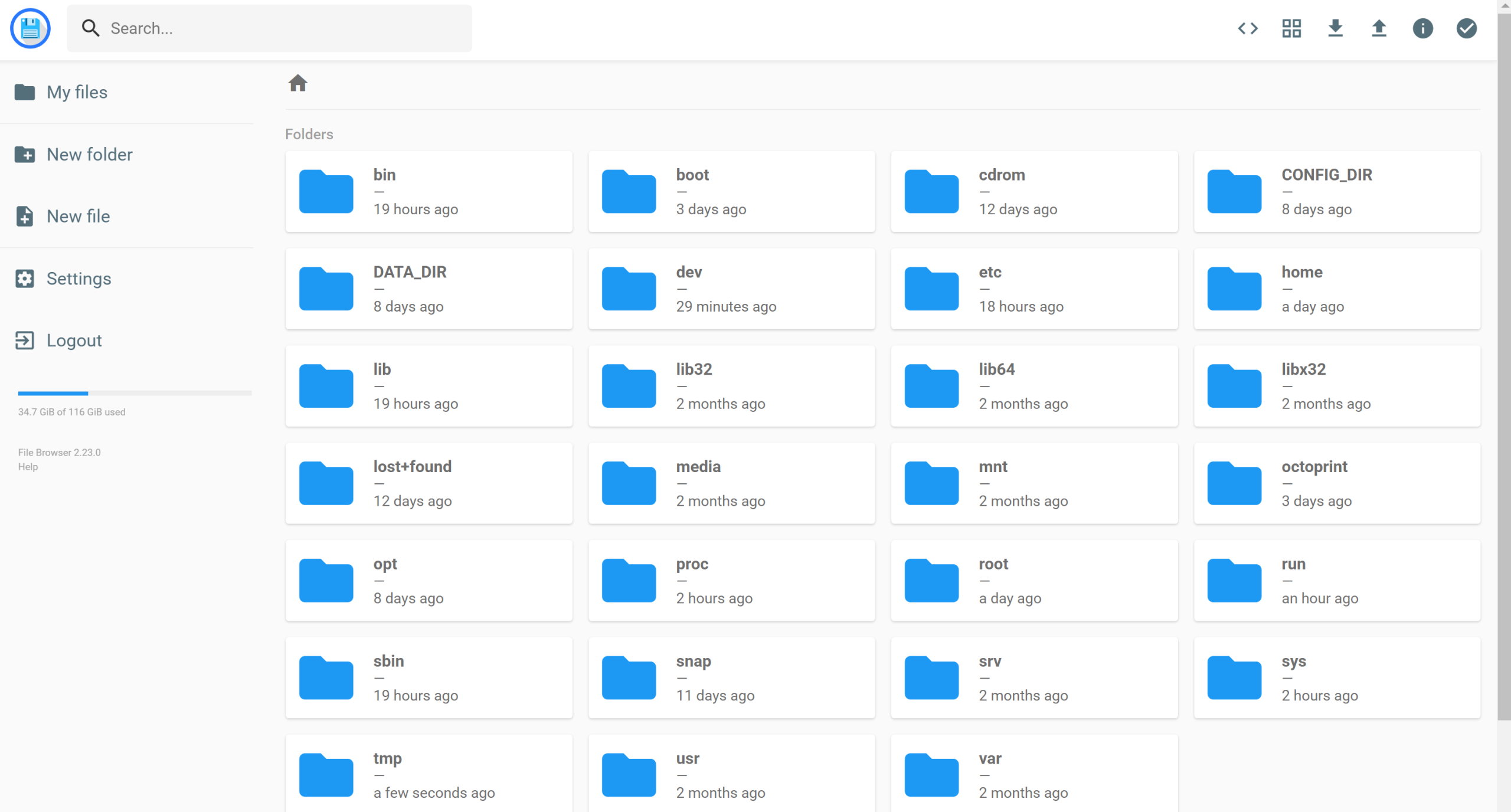
I am frequently editing various config files on my secondary server and more crucially, the docker compose file that sets up the various services.
Using SSH and nano can be tedious and not so user friendly.
To make life easier, I’ve added a file browser container to the docker-compose
  filebrowser:
    restart: unless-stopped
    image: hurlenko/filebrowser
    ports:
      - 8090:8080
    volumes:
      - /:/data
      - /CONFIG_DIR:/config
    environment:
      - FB_BASEURL=/filebrowser
    restart: always
I was then able to add quick URL shortcuts for my most frequently edited files, to the homer landing page
Next to do: Add a 1-click way of running the docker-compose up command
