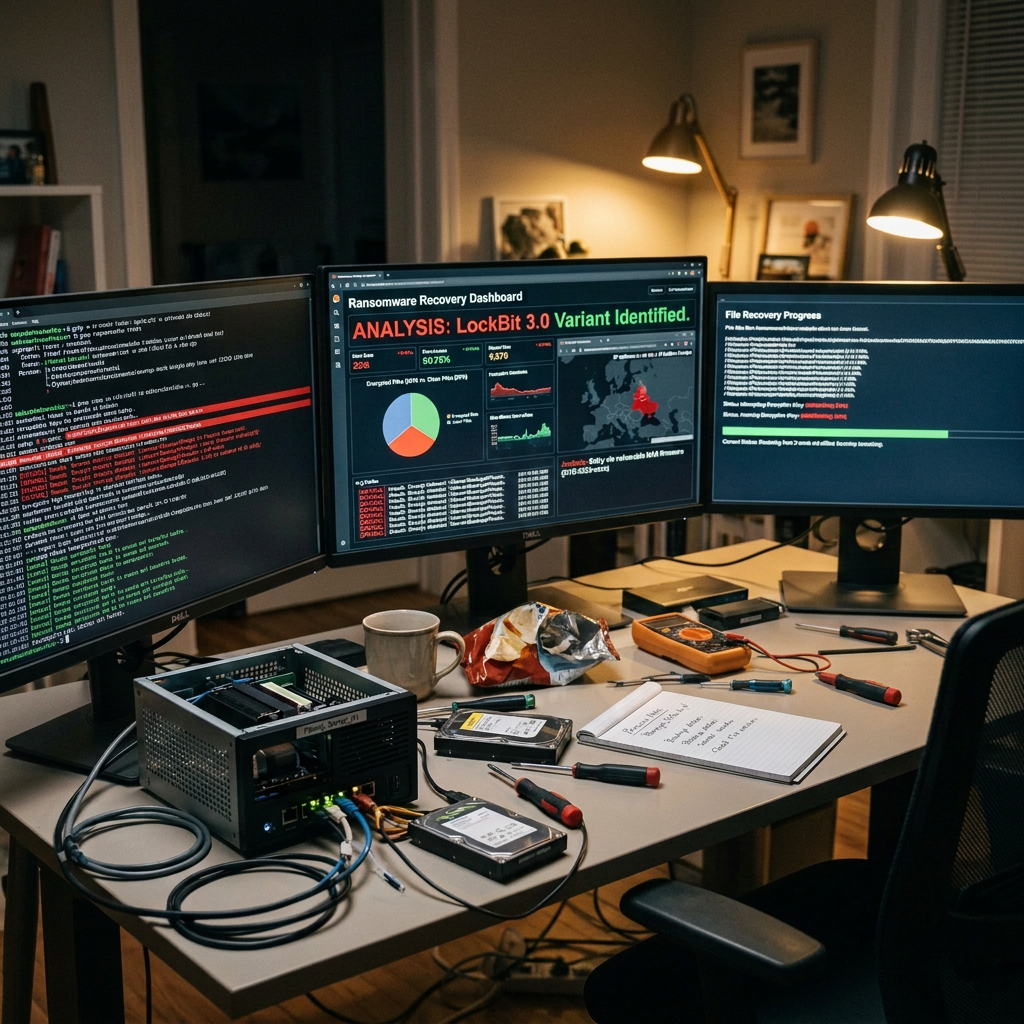
My dad’s Unraid box got hit by ransomware. Every file on it had been renamed with a .want_to_cry extension, and a note dropped into each folder demanding $600 in Bitcoin, payable after contacting the attacker over qTOX. Classic “WannaCry-inspired” branding, right down to the name.
Here’s the note it dropped into every folder, verbatim, with my dad’s victim ID redacted:
All your data has been encrypted  by --WantToCry-- r@n50mw@re
You can buy decryption of all files for 600 USD.
For this:
  Download and install qTOX Messenger https://qtox.github.io/
  Find us by this Tox ID: 1D9E589C757304F688514280E3ADBE2E12C5F46DE25A01EBBAAB17896D0BAA59BFCEE0D493A6
  Send a message with your unique ID [REDACTED] , and 3 test files.
  These should be files of no more than 20-30 MB each.
  We do not accept download links from third-party resources.
  We do not accept very large files, such as database files.
  In response, we will send the decrypted files and a bitcoin wallet for payment.
  Bitcoin wallet is unique for you, so we can find out what you paid.
  After the payment is received, we will send you the key and the decryption program.
The timing made it messy. My dad’s away on a trip right now, and I live a long way from him, so nobody could actually get hands on the machine. All he could do from where he was, was trigger a remote shutdown. Before he did, I pulled a few things off the server over the network: two of the encrypted photos and the ransom note file. Then I told him to kill the power. The plan is to do the real recovery properly offline, on the actual disks, once he’s home in a few weeks.
In the meantime I had the samples, and the question I actually wanted answered was whether any of this was recoverable at all, before we go anywhere near the disks. So I handed them to Claude Opus 4.8 to work out what had been done to them. That turned out to be the whole game.
The first thing you check: how much of the file is actually encrypted
Plenty of ransomware that copies WannaCry’s aesthetic is lazy under the hood. Encrypting gigabytes is slow, so a lot of strains cut corners and only scramble the start of each file.
So the first thing Claude did was run an entropy scan across one of the encrypted JPEGs, window by window. High entropy (~8 bits/byte) means encrypted or compressed; a drop means structured, readable data. The result was exactly the good news I was hoping for: only the first 4096 bytes were high-entropy noise. After that, 1024 zero bytes, and then a completely intact JPEG.
WantToCry overwrites the first 4 KB of each file with ciphertext, zero-pads up to offset 0x1400 (5120 bytes), appends .want_to_cry, and leaves the entire rest of the file untouched. Everything from byte 5120 onward is original, unmodified data.
Why that’s a total win for photos
Here’s the thing about a JPEG straight off a camera: it isn’t one image. It’s a small EXIF thumbnail and the full-resolution photo, stored as two separate JPEG streams in the same file. The full-res image starts several KB in, well past the 5 KB the ransomware destroyed. It’s sitting there completely intact; you just have to find it and cut it out.
A JPEG stream begins with FF D8 FF and ends with FF D9. So recovery is: scan for every start-of-image marker, carve to the matching end-of-image marker, keep the largest valid stream. Claude did exactly that on the two samples, validated them by re-opening them, and out came two perfect 3648×2736 photos. The only real loss is the EXIF metadata (original date, GPS), which lived in the destroyed header. The pixels are all there.
Can you decrypt that first 5 KB? No, and you don’t need to. But the samples were telling: across both files the ciphertext blocks were identical wherever the two originals shared bytes (same camera, same JFIF/quantisation headers). That’s the fingerprint of AES in ECB mode with a per-victim key. Weak choice, not weak enough to break without the key, and irrelevant anyway, because carving recovers the content regardless.
Turning it into a script for the whole NAS
Two photos is a proof of concept. A NAS full of a family’s photos, documents and videos is going to need something that can walk the whole tree once we get to the disks, so I had Claude write that too, ready for when the server comes back. The core principle stays the same for every format (the payload lives past byte 5120, recover it from the intact tail), but the method differs:
- JPEG: carve the largest intact
FF D8 … FF D9stream, validate with Pillow. Near-perfect. - MP4 / MOV: trickier; see below.
- PDF: the xref table and trailer live at the end (intact); only the
%PDF-header dies. Regenerate the header, letqpdfrebuild the xref from the surviving objects. - Office docs (docx/xlsx/pptx): these are ZIP files, and the ZIP central directory sits at the end. Read it, extract every entry whose local header survived, repack into a clean archive.
- PNG: bad news. The signature and
IHDRare right at the start, in the dead zone, with no second copy. Screenshots and single-stream PNGs are basically unrecoverable. Restore from backup.
The script writes into a separate output tree (it refuses to run if the output is inside the source, so the originals are never touched) and produces a CSV tagging each file RECOVERED / PARTIAL / REVIEW / UNRECOVER.
The video fight
Video was where it took a couple of wrong turns before it landed, which is worth being honest about, because that’s what working with a model like Opus 4.8 actually looks like. It didn’t nail this one first try; it iterated to the answer, and the iterations are the interesting part.
MP4/MOV files are made of “boxes”: ftyp, mdat (the actual data), and moov (the index of where every frame lives). Crucially, moov stores absolute byte offsets, and on most phone/camera recordings it sits at the end of the file, so it survived.
The first attempt found the first intact box and carved from there, discarding the damaged prefix. ffmpeg immediately threw moov atom not found. Obvious in hindsight: deleting the first few KB shifted every later byte, so every absolute offset in moov now pointed to the wrong place.
The fix was to not shift anything. Keep the file the exact same length and rebuild only the first 32 bytes into a valid ftyp + mdat header spanning up to where moov begins. The box structure becomes walkable, moov is reached, and every offset still resolves because nothing moved. You lose maybe the first fraction of a second of footage; everything else plays.
That still failed, and the culprit was embarrassingly small. The synthetic ftyp box declared its size as 24 bytes but 28 had actually been written (one compatible-brand too many). The box-walker read the wrong length, landed mid-box, and desynced. Trimming to a correct 24-byte ftyp fixed it instantly; ffprobe then confirmed a clean 3-second clip with both streams intact.
The lesson: when you hand-forge a binary container, the length fields are load-bearing. Off by four bytes and the whole thing falls over. It’s also exactly why you test AI-written code against real samples rather than trusting it on sight: a failing ffprobe check surfaced that bug, not a lucky guess.
Where it landed
So where does that leave us? The tool recovers photos and videos almost perfectly, PDFs and Office docs partially (depending how much lived past the 5 KB line), and honestly flags what can’t come back rather than writing corrupt files and pretending. I’ve only run it on the handful of samples so far. The real test comes in a few weeks, when my dad’s home and we can pull the disks and run it across the whole array offline. But the important question, the one that was worth answering before then, is already settled: the data is recoverable, and nobody needs to pay $600 to a stranger on qTOX.
My honest role in this: I made the call not to pay, grabbed the samples before the box went dark, pointed Claude Opus 4.8 at the right problem, and tested what it produced. It did the file-format forensics and wrote the recovery script. That division of labour is sort of the point: the hard part here wasn’t the byte-level work, it was staying calm, not turning a remote shutdown into a panic, and knowing it was worth looking before reaching for a wallet.
If you ever land here yourself: don’t pay, and don’t rush to “clean” or rebuild anything. Get it off the network, or if a remote shutdown is the only lever you’ve got (as it was for us), grab a handful of sample files first so you can work out what’s recoverable before the machine goes dark. Work on copies, never the originals. Paying funds the next attack and often doesn’t even restore your metadata. And check No More Ransom before writing any code, there may already be a free decryptor. This strain wasn’t listed, which is why we ended up building a tool for it.
Tools that did the heavy lifting: Claude Opus 4.8 for the analysis and the recovery script, ffmpeg for the video remux, qpdf for PDF xref rebuilding, and Python’s zipfile + Pillow for the rest. For videos where moov itself is gone, untrunc with a reference clip from the same camera is the next thing to try.